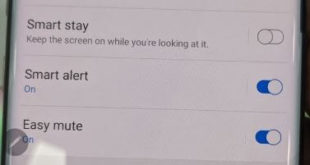
Want to use Samsung Note 10 motions and gestures? Here’s how to enable and use gestures Galaxy Note 10 plus. You can see several useful gestures including smart stay, smart alert, one-handed mode, palm swipe to capture, lift to wake and more. Samsung Note 10 S Pen also includes Air …
Read More »How to Turn Off Bixby on Galaxy Note 10 Plus
Want to disable the Bixby button on Samsung Galaxy Note 10 plus and Note 10? Here’s how to get rid of the Bixby button on Galaxy Note 10 plus. Samsung’s latest flagships remove Bixby’s key settings from the hardware button. You can change side key settings to quickly launch Bixby …
Read More »How to Change Side Key Settings in Galaxy Note 10 Plus and Note 10
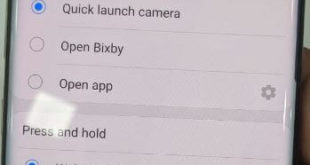
You can show the power button when swiping down the notification panel from the top of the screen in Samsung Note 10 plus and Note 10. This tutorial explains to you how to customize or change side key settings in Samsung Galaxy Note 10 plus. You can use side key …
Read More »How to upload music to the cloud from PC or MAC
Transfer or upload music to the cloud from your PC or Mac devices. You can upload up to 50,000 songs to the cloud from your library using Google play music. Also upload music from amazon music store on your library. There are various ways to upload music from cloud such …
Read More »How to Enable/Show Battery Percentage on Galaxy Note 10 Plus and Note 10
By default hide battery percentage on the status bar in Samsung Note 10 plus and Note 10. This tutorial explains to you how to display or show battery percentage on Samsung Galaxy Note 10 plus. You can enable battery percentage on Note 10+ using status bar settings. When enabled, you …
Read More »How to Change the Galaxy Note 10 Plus Lock Screen Wallpaper
Want to change the lock screen picture on Note 10+ and Note 10? Here’s how to change the galaxy Note 10 plus lock screen wallpaper and home screen wallpaper. Change the wallpaper on Samsung Note 10+ and Note 10 using home screen settings. Up to 15 seconds of video will …
Read More »