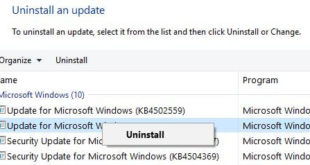
Want to uninstall or remove Windows updates because of causing issues? Here’s how to uninstall updates in Windows 10 PC or Laptop. Two ways to fix this issue, one is undo Windows 10 update or remove Windows 10 update files from your PC using safe mode. If you’re having problem …
Read More »How to Set Parental Controls On Android 10, 9 Pie
Digital Wellbeing beta updated with new parental control features in Android 10 & 9 Pie. After the updated app, you can see new Digital Wellbeing & parental controls names instead of Digital Wellbeing in your android 10 devices. You need to set up parental controls in Android 10 to use …
Read More »How to change computer name in Windows 10
Want to rename computer Windows 10 PC? Here’s how to change computer name in Windows 10 Laptop. This tutorial will show you two methods to change PC name. You can rename your Windows computer using system settings or Windows settings. Also change Windows 10 workgroup name. This username use Windows …
Read More »How to use dynamic lock in Windows 10
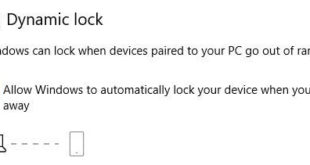
Want to unlock Windows 10 with iPhone or Android device? Here’s how to setup and use dynamic lock in Windows 10 PC. This Windows 10 dynamic lock feature is useful while you lock your computer when forgot to power off and walk away from home or office. Windows can lock …
Read More »How to clear activity history in Windows 10
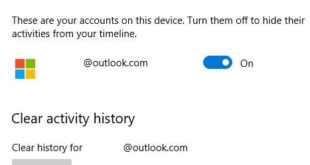
By default stored activity history on Windows 10 PC or laptop. Here’s how to clear activity history in Windows 10. This Windows 10 activity history includes website you browse in your PC, use apps & services and other information you search. If you want to hide Windows 10 activities from …
Read More »How to Delete Gmail Search History on Android
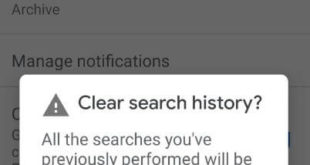
Want to clear email search history on Android phone or tablet? Here’s how to view and delete Gmail search history on Android devices. You can individually remove search history in Gmail on PC or laptop devices in the browser. Several times we search different types of data in Gmail inbox, …
Read More »