Tag Archives: How to

How to Reset Keyboard Settings Android Phone
Do you want to reset Android keyboard settings? Here’s how to reset keyboard settings on Android and Samsung phones. You can adjust keyboard size, number of keys, high contrast keyboards, and other keyboard settings. In Samsung keyboard settings, you can reset keyboard settings and clear personalize data. Personalized data used …

Read More »

How to Turn Off Notifications on Facebook Messenger Android

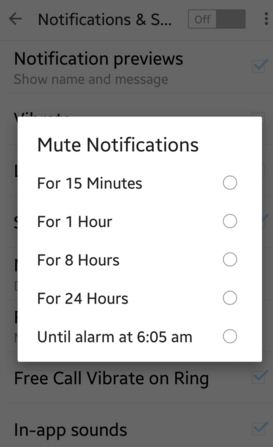
Annoying of Facebook messenger app incoming messages notifications & sounds on Android? Here are the 3 ways to turn off or disable notifications on the Facebook messenger app in your android phone or tablet. When a new message comes in your Facebook app, it displays a notification of each received …

Read More »

How to Enable Developer Options on Android 14

How to Enable Developer Options on Android 14

Can you find a developer mode or unlock developer options on Android 14 devices? Here’s how to enable developer options on Android 14 Samsung. Turn off or hide developer options Android phone if you can’t find the settings. This Android developer option includes USB debugging, Memory usage by apps, logger …

Read More »

How to Change the Background Theme of Gboard Keyboard

change background theme of Gboard keyboard

Recently my Android device gets updated with new settings to change the theme of Google’s keyboard background photo. We already know how to change the keyboard theme on Android devices.  Using this new feature, you can change the background theme of the Gboard keyboard or Google new keyboard. It includes …

Read More »

How to Link Instagram to Facebook on Android phone

Do you want to directly share your Instagram posts or story to Facebook on Android phones? Here’s how to connect Instagram to Facebook on Android devices. You can directly share your uploaded Instagram photos or video to other social networking sites without log in such as Twitter, Tumblr, Flickr, etc. …

Read More »