Tag Archives: How to

How to Change the Keyboard Language on Galaxy Note 10 plus

How to change keyboard language on galaxy Note 10 plus

Want to change or switch keyboard language on Samsung Note 10+ and Note 10? Here’s How to change the keyboard language on Galaxy Note 10 plus and Note 10. All Samsung devices used Samsung’s keyboard as default. You can change the on-screen keyboard on Note 10+ using language and input …

Read More »

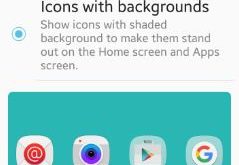
How to change icon background android phone

Do you want to change icon background android phone? You have two choices to change background of icons on your android device. One is “icons only” option means only icon change on your device and the other is “icons with backgrounds” means show icon with shaded background to make them …

Read More »

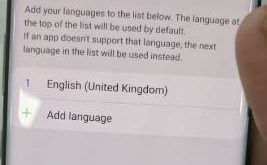
How to Change the Language on Galaxy Note 10 and Note 10 Plus

How to change the language on Samsung Note 10 plus

Here’s how to change the default language on Samsung Note 10 plus and Note 10. By default set phone language in all devices. If you don’t comfortable with default Note 10 language, you’ll change it using language and input settings. Also, change keyboard language using below given settings. You can …

Read More »

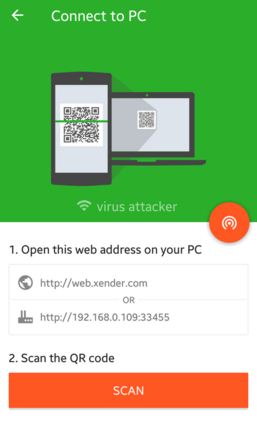
How to transfer files android to PC using Xender

Quickly transfer files android to PC using Xender. Using Xender app, you can easily and quickly send files from android to PC / Mac, android to android, android to iOS, android to Windows PC. Perfect app to send large files such as videos, movies, music, apps, photos compare to Bluetooth …

Read More »

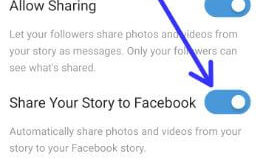
How to Automatically Post Instagram Stories on Facebook

How to share Instagram story on Facebook on android

Want to share Instagram photos & videos stories to Facebook automatically? Here’s how to share Instagram stories on Facebook on Android devices automatically. By default turned off share your story to Facebook options in your android or iPhone devices. When enabling this option, it will automatically share photos and videos …

Read More »