Tag Archives: How to

How to hide caller id moto g4 plus phone
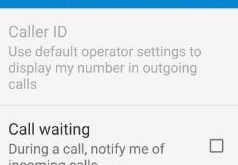
hide caller id moto g4 plus

Show or hide caller ID Moto G4 plus running Android 7.0 Nougat. When you hide your phone number for outgoing calls on your device, the person you calling won’t able to see your phone number and name on screen. In Moto G4 plus device, default operator settings use to display …

Read More »

Chrome bookmarks not syncing: How to fix

Chrome bookmarks not syncing

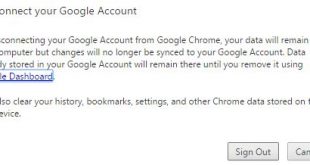
Google Chrome sync not working on your Windows 10 / 8 or Android device. Using this Chrome sync feature, easily sync data between your devices which search the chrome browser. It synchronizes all your browsing history, bookmarks, password and other settings. If in your android phone or desktop browsing data …

Read More »

SSL connection error Google Chrome browser: How to fix

Fix SSL connection error Google Chrome

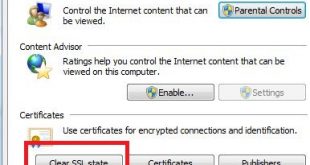
SSL stands for secure socket layer. It secures your website against spammers or hackers. Mostly you can see these three types of SSL errors on your Chrome or Firefox browser including SSL connection error, SSL security error and SSL authentication certification error.  Have you ever seen SSL connection error Google …

Read More »

How to turn on smart dual SIM android phone

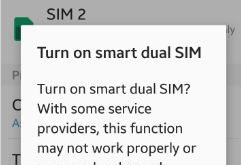
Enable or turn on smart dual SIM android lollipop (5.1.1) and marshmallow (android 6.0) device. You can receive calls from both SIM cards even during calls on your android phone. You can manage dual SIM on your device using SIM card manager settings. When both SIM activate, sometimes some service …

Read More »

How to stop phone speaking android

stop phone speaking android

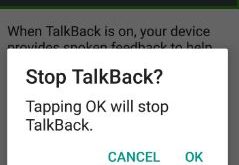
Do you want to stop phone speaking android device? Some voice command that cause your phone to speak reply. You can stop your android phone from speaking temporarily or turn off talkback on your device. Sometimes my device automatically started talking. When talkback is enable on your device, it describes …

Read More »

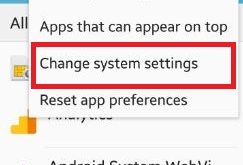
How to change system settings android phone

Do you want to change system settings android phone? You can change settings using application manager settings on android lollipop 5.1.1 and marshmallow 6.0 device. In this setting, you can change & manage app settings, storage, data usage and turn on or off and apps with permission settings. Select which …

Read More »