Tag Archives: How to

How to Put Pixel 7 Pro in Recovery Mode
How to Enter Recovery Mode on Pixel 3a and Pixel 3a XL

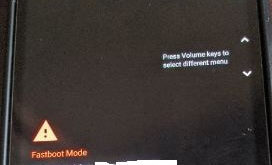
Do you want to boot your Google Pixel 7 into recovery mode? In this tutorial, I’ll show you steps to put Pixel 7 Pro in recovery mode. You need to enable recovery mode in Google Pixel 7 and Pixel 7 Pro for several issues, such as when your Pixel is …

Read More »

How to Change Gboard Theme on Android: Google Keyboard

how-to-change-gboard-theme-on-android

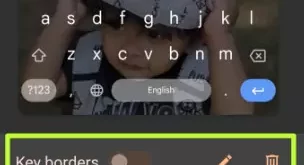
Do you want to customize Google Keyboard theme? Here’s how to change Gboard theme on Android devices. Gboard is set as a Google keyboard theme on stock Android devices. You can see different Google keyboard themes on your device, including My themes, Default (Dynamic color, System auto, Default, or Default …

Read More »

How to Change Wallpaper in OnePlus 7 Pro Home Screen

How to change home screen wallpaper on OnePlus 7 Pro

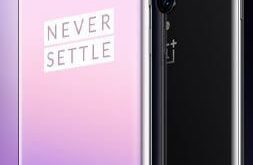
By default set home screen and lock screen wallpaper on OnePlus 7 Pro and OnePlus 7. Want to change the default OnePlus 7 Pro home screen wallpaper? Here’s how to change home screen wallpaper on OnePlus 7 Pro and OnePlus 7. Set wallpaper from the list of available categories in …

Read More »

How to Fix Bluetooth Pairing Problems on Pixel 3a and Pixel 3a XL

How to fix Bluetooth pairing problems on Pixel 3a and 3a XL

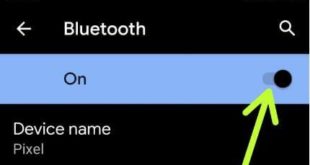
Annoying by Bluetooth keeps disconnection issues on Google Pixel 3a XL? Here’s how to fix Bluetooth pairing problems on Pixel 3a and 3a XL. Users reported different types of problems such as Bluetooth can’t pair with a car, Bluetooth freakout, Bluetooth can’t find device or Bluetooth won’t pair with headphones, …

Read More »