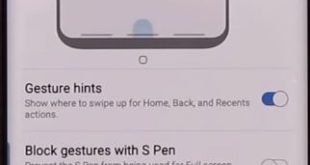
Here’s how to remove or hide navigation bar on Galaxy Note 10 Plus and Note 10. By default set Samsung Note 10 plus navigation bar as back (Left), home (Middle) and recent apps (Right) button on the bottom of the screen. You can change the navigation button order or enable …
Read More »How to Enable Location Services on Android
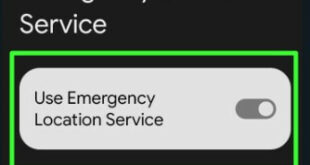
Here’s how to enable location services on Android phones (Google Pixel) that allow apps and sites to use Wi-Fi, GPS, Bluetooth, and cellular data information to determine your nearby location. In Location Services (Android 14) settings, you can see the Emergency location services, Google location accuracy, Google location history, Earthquake …
Read More »How to Enable Dark Mode on Pixel 4 and Pixel 4 XL
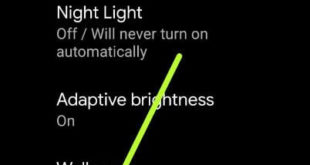
This tutorial explains to you about enable dark mode on Pixel 4 XL and Pixel 4. Google Pixel 4 and 4 XL running with the latest android 10 that supported system-wise dark theme. By default turned off the dark theme in your android devices. You can activate dark mode on …
Read More »How to Turn Off Google Assistant on Android 12, Android 11, Android 10
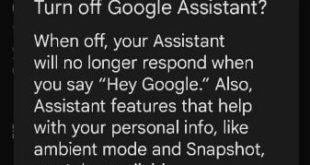
Here’s how to turn off Google Assistant on Android 12, Android 11, and Android 10/9 (Pie). Just say Hey Google or OK Google to open the Google Assistant on your Android phone or tablet devices. Also, change Google assistant settings and customize them with your need, like setting up tasks …
Read More »How to Change Google Pixel 4 Lock Screen Wallpaper
Change the wallpaper on the Pixel 4 home screen and lock screen? This tutorial will help you to change the lock screen and home screen wallpaper on Pixel 4 XL and Pixel 4 running Android 10. You set wallpaper on Pixel 4 XL from your phone gallery or in-built wallpaper …
Read More »How To Hard Reset Galaxy S7 Edge Without Password
If your Samsung Galaxy S7 and Galaxy S7 edge won’t turn on or frozen, hard reset galaxy S7 Edge without Google account or Samsung account. You can also call factory reset galaxy S7 without password using android recovery mode. Also useful if the galaxy S7 edge screen is not working …
Read More »