Tag Archives: How to

How to Change Cover Photo on Facebook on Android in 2020

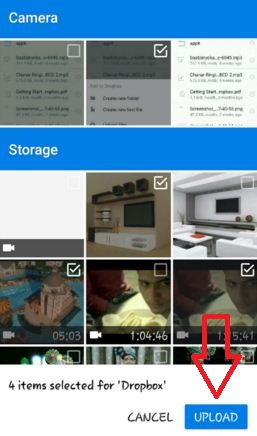
Here’s how to add or change Facebook cover photo on Android phones in 2020. You can easily set or change the cover photo and Facebook profile picture on your Facebook account. You can upload photos from your device storage, albums, camera photos, and your android phone gallery. Also, you can …

Read More »

How to Turn On Talkback on Android Oreo

How to turn on talkback on android Oreo 8.1

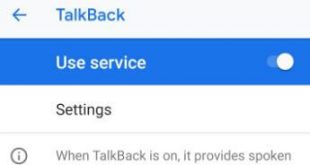
Talkback feature can be helpful for people who are blind or have low vision. By default turned off talkback on Android Oreo 8.0, 8.1, and Android Pie 9.0 devices. You can turn on or enable talkback on Android Oreo 8.1 using accessibility settings. It will provide spoken feedback so that …

Read More »

How to Add Emergency Information on Android 8.1 Lock Screen

Add emergency information to android Oreo lock screen

Here’s how to set or add emergency information on the lock screen in Android Oreo 8.1. You can put emergency info on the Android lock screen, including a name, emergency number, address, blood type, medications, and more. You will find this emergency information setting your Android 8.1 devices under the …

Read More »

How to change S planner notification sound android

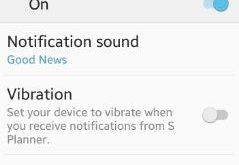
Set or change S planner notification sound android phone. You can set different notification sounds on your android phone including apps, message and Email. Using S planner, you can mange calendars, different contact’s birthday, tasks, meeting, show or hide declined events, change week number settings and more. You can also …

Read More »

How to Turn On Google Assistant on Android Phones

How to Turn On Google Assistant on Android Phones

Do you know how to turn on Google Assistant on Android phones and tablets? Make sure to enable Google assistant on Android or Samsung devices to use it. Set up your voice to use Google Assistant on your Android 12, Android 11, and Android 10 stock OS. Three different ways …

Read More »