Tag Archives: How to

How to Clear or Wipe Cache Partition on Samsung Galaxy Note 8

Clear cache partition galaxy Note 8

Here’s how to clear or wipe cache partition Galaxy Note 8. This clear cache partition will remove temporary files or apps data from your Samsung or Android devices. Annoying by Galaxy Note 8 frozen, unresponsive, or app freezing issues? Because of the app crashing or freezing issues, your device running …

Read More »

How to Remove or Hide Default Apps on Android

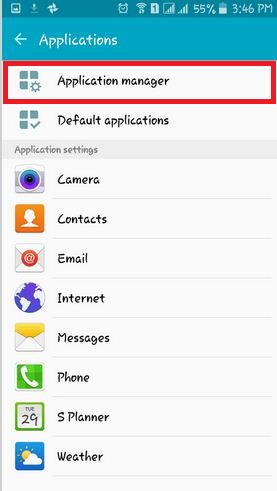
Want to delete pre-installed apps (System Apps) on your Android or Samsung Galaxy devices? Here’s how to hide default apps on Android devices. By default, several unnecessary system apps and games installed on your Android devices. You have already tried to remove default apps in your Android device, but you …

Read More »

How to Improve Battery Life on Android 8.0 Oreo

improve battery life on android 8.0 Oreo

Here’s how to improve battery life on android 8.0 Oreo. Several users reported the battery drain issue on Android 8.0 Oreo. You need to turn off the ambient display, reduce display time-out time, Disable Wi-Fi, GPS & another service, enable battery saver, and other handy tricks. Android 8.0 devices include …

Read More »

How to Clear Cache on Android For Specific App

How to Clear Cache Android Device

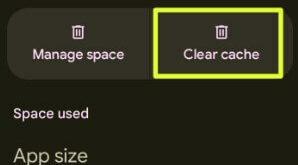
Do you want to clear app cache on Android phones and tablets? In this tutorial, I’ll explain how to clear cache on Android 16 for specific app and Samsung devices. You can individually clear the app cache Android, which will be helpful to free up storage and improve the app’s …

Read More »

How to Change WhatsApp Font Size For Android

How to change WhatsApp font size for android

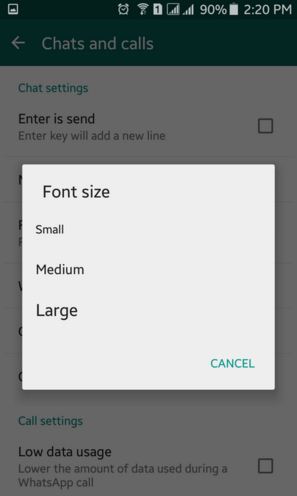
Here’s how to change the font size on WhatsApp Android Phones. When you change the WhatsApp font size on Android or iPhone, it will change the text format of the chat message only. By default WhatsApp font size for android device is “medium”. You can increase the font size in …

Read More »