Tag Archives: How to

How to Factory Reset Galaxy Note 8
Hard reset Samsung galaxy Note 8 phone

How to hard reset Samsung Galaxy Note 8 using recovery mode. Irritate of Samsung Galaxy Note 8 is an unresponsive touch screen or won’t power on? When your galaxy Note 8 is stopped working or black screen issue, you need to perform a factory reset Samsung Galaxy Note 8. But …

Read More »

How to Fix Google Play Store Error 192

fix Google Play store error 192 in android phone

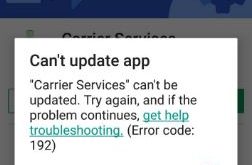
Can’t update any apps from Google Play store on your Android device? You can fix Google play store error 192 using this article. When trying to update the app from the play store, this message show: “Carrier services” can’t be updated. Error code 192 play store. Sometimes view error code …

Read More »

How To Wipe Cache Partition Samsung Galaxy S7 And S7 Edge

Wipe cache partition on Samsung galaxy S7 edge

Here’s how to wipe cache partition Samsung Galaxy S7 and Galaxy S7 edge. If your galaxy S7 & galaxy S7 edge is freezing or unresponsive, black screen, touch screen not working, and more issue. After applying all methods if your phone is still not working, you’ll be trying to hard …

Read More »

How To Use App Preview Messages On Android Phone

Use app preview messages on Android Oreo

Here’s how to turn on and use app preview messages on Android devices. By default, enable app preview messages on Android 8.0 devices. Other Android 8.0 features include picture-in-picture mode, Notification dots, Autofill, Android instant apps, background process limit, and more. You will enable or disable preview messages on Android …

Read More »

How to Block a Number on Android 8.0 And 8.1 Oreo

How to block number on android 8 Oreo

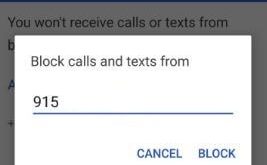
Annoying by spam calls & text messages in android? Steps to block a number on Android 8.0 and 8.1 Oreo devices. After blocked unknown numbers or phone contacts, you won’t receive calls or text messages from that number in your android devices. You can add the maximum number to the …

Read More »