Tag Archives: How to

How to Take a Long Screenshot Pixel 6, 6 Pro, 7 Pro, 7
How-to-Take-a-Scrolling-Screenshot-in-Google-Pixel-6-Pro

Do you want to take a long screenshot Pixel 7, Pixel 7 Pro, Pixel 6, and Pixel 6 Pro devices? Google Pixel devices running stock Android 12 and later versions support the scrolling screenshot (Extended Screenshot) feature to capture multiple pages or screens. You can use the power button and …

Read More »

How to Clear the App Cache on Android 11

How to Clear App Cache on Android 11

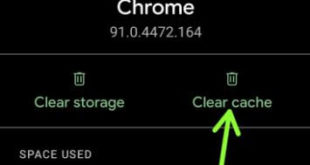
Annoying that suddenly the app keeps crashing or freezing on your stock Android 11? You need to try clearing the app cache on Android 11 to fix the app issue. Clearing the app cache will remove the app’s temporary data from your device and free up storage space on your Android or …

Read More »

How to Enable Unknown Sources on Android 14, 13, 12, 11

How to Enable Unknown Sources on Android 14, 13, 12, 11

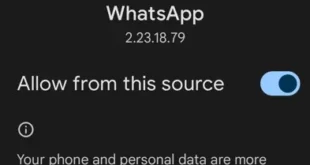
Do you want to allow third-party apps on your Android phones and tablets? Here’s how to install unknown apps or enable unknown sources on Android 14, Android 13, Android 12, and Android 11. If you want to install APK files or allow third-party apps on Android, your device must enable …

Read More »

How to Forward a Call on Android Phone

How to Turn On Call Forwarding on Android 11

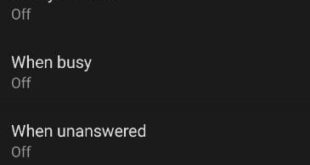
Do you want to forward phone calls to another Android phone? Here’s how to forward a call on Android 16 and Android 15 devices, such as the Google Pixel and Samsung Galaxy. This call-forwarding feature automatically redirects calls to your mobile number when you’re unreachable, unanswered, or busy with another call. You …

Read More »

How to Turn On Dark Mode in Android Phone

How to Turn On Auto Dark Mode in Android 11

Do you want to enable an automatic dark theme on your Android devices? Here’s how to turn on dark mode in Android 14, Android 13, and other Android devices. You can turn your Android into dark mode using display settings. Also, set a schedule to automatically activate dark mode/dark theme for …

Read More »