Annoying by Wi-Fi or mobile data network not available issues on Pixel 3a XL and Pixel 3a? You’ll try to reset network settings on Google Pixel 3a and Pixel 3a XL to fix network related issues. A reset Pixel 3a and 3a XL network settings will reset all saved passwords …
Read More »How to Reset Pixel 3a and Pixel 3a XL
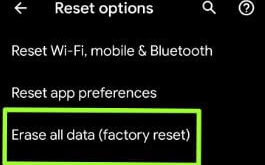
This tutorial shows you how to perform a master reset or reset Pixel 3a and Pixel 3a XL. This factory reset Pixel 3a XL and Pixel 3a will helpful if you’re device facing frozen or a blank screen, phone stuck on logo, phone won’t turn on, touch screen not working …
Read More »How to Factory Reset Google Pixel 3a XL and Pixel 3a
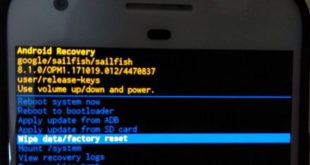
Here’s how to factory reset Google Pixel 3a and Pixel 3a XL. There are two ways to reset Google Pixel 3a XL and Pixel 3a, one is phone settings and another is using recovery mode. A factory reset data will reset your device to its default settings. So, first of …
Read More »How to check for app update in Windows 10
You can check for app update in Windows 10 using Microsoft store from taskbar. By default turned on apps updates automatically in Microsoft store in your Windows PC or laptop device. If you don’t want to automatically update apps in Windows 10, turn off toggle using this tutorial. Also uninstall …
Read More »How to Enable Developer Options in Pixel 7 and Pixel 7 Pro
Do you want to access hidden developer settings in Pixel 7 Pro? In this article, I’ll explain how to enable developer options in Pixel 7 and Pixel 7 Pro. By default, the developer mode is hidden in your device. You can activate developer mode to tap on the build number …
Read More »How to change taskbar location in Windows 10
What is the taskbar in Windows 10? You can use taskbar in your Windows PC to quickly open app from taskbar, show contacts, notifications, app suggestion and more. By default lock the taskbar in Windows 10. Here’s how to change taskbar location in Windows 10. You can move taskbar position …
Read More »