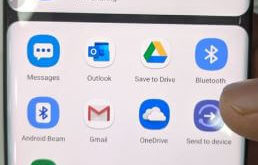
Want to transfer contacts from SIM to phone Samsung Note 10 plus & Note 10? Here’s how to share contacts on Galaxy Note 10 Plus. You can import contacts from .vcf files or SIM card and transfer with other Samsung galaxy. Also, share large files, up to 2 GB per …
Read More »How to Block Unknown Numbers on Samsung Galaxy Note 10 Plus
Are you worried about getting a call from any unknown number on your Samsung Galaxy Note 10 Plus? Here you will get all the latest tips that will help you to block unknown numbers on Samsung Galaxy Note Device. If you are using Samsung Galaxy Note 10 Plus, then the …
Read More »How to Use Gestures on Samsung Galaxy Note 10 Plus
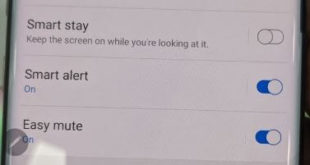
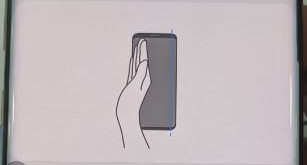
Want to use Samsung Note 10 motions and gestures? Here’s how to enable and use gestures Galaxy Note 10 plus. You can see several useful gestures including smart stay, smart alert, one-handed mode, palm swipe to capture, lift to wake and more. Samsung Note 10 S Pen also includes Air …
Read More »How to Take a Screenshot on Galaxy Note 10 and Note 10 Plus
Here’s how to take a screenshot on Galaxy Note 10 and Note 10 plus 5G. Samsung Note 10 & Note 10+ remove the Bixby key from the hardware key. You can take a screenshot Android Samsung device using the power button and volume down button. Also, use a palm swipe …
Read More »How to Turn Off Bixby on Galaxy Note 10 Plus
Want to disable the Bixby button on Samsung Galaxy Note 10 plus and Note 10? Here’s how to get rid of the Bixby button on Galaxy Note 10 plus. Samsung’s latest flagships remove Bixby’s key settings from the hardware button. You can change side key settings to quickly launch Bixby …
Read More »How to Change Side Key Settings in Galaxy Note 10 Plus and Note 10
You can show the power button when swiping down the notification panel from the top of the screen in Samsung Note 10 plus and Note 10. This tutorial explains to you how to customize or change side key settings in Samsung Galaxy Note 10 plus. You can use side key …
Read More »