how to

Discover helpful tips and step-by-step guides on various topics. Learn how to do things easily and efficiently with BestUsefulTips.

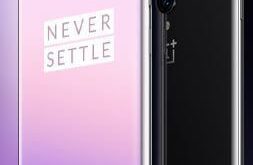
How to Change the Screen Resolution On OnePlus 7 Pro, 7

How to change screen resolution in OnePlus 7 Pro

Want to change the default OnePlus 7 Pro screen resolution? Here’s how to change the resolution on OnePlus 7 Pro and OnePlus 7. By default set auto-switch that appropriate resolution automatically in your device. You can choose a resolution from QHD+ or FHD+ in your OnePlus 7 Pro. You can …

Read More »

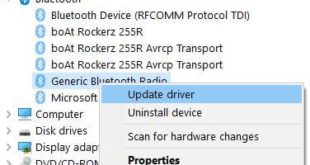
How to fix can’t find Bluetooth on Windows 10

How to fix can’t find Bluetooth on Windows 10

Annoying by Bluetooth disappeared in Windows 10 PC or Laptop? Here’s how to fix can’t find Bluetooth on Windows 10. You can turn on Bluetooth in Windows 10 using devices settings. Also enable Bluetooth using action center if you don’t want to use Windows settings. Several users are facing Bluetooth …

Read More »

How to Take a Screenshot on Google Pixel 3a XL and Pixel 3a

How to capture screenshot Pixel 3a and 3a XL

Want to take a screenshot on Google Pixel 3a XL? In this tutorial, I’ll show you three different methods to capture screenshot Pixel 3a and Pixel 3a XL. You can find the captured Pixel 3a screenshot under your phone gallery (Screenshot folder). A Screenshot feature is useful while you surf …

Read More »

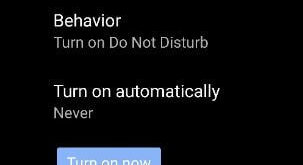
How to Enable Driving Mode in Pixel 3a and Pixel 3a XL

How to Enable Driving Mode in Pixel 3a and Pixel 3a XL

By default turned off driving mode in Pixel 3a and 3a XL. You can enable driving mode in Pixel 3a XL under the connected device settings. Turn on automatically driving mode on Google Pixel 3a when connected to Bluetooth or when driving is detected. When activating driving mode in Pixel …

Read More »