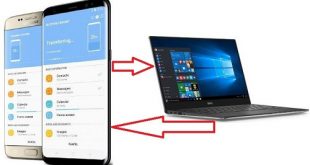
Transfer files android to Samsung galaxy S8 & S8 plus using USB cable. While transfer data Samsung to Galaxy S8 device, suddenly stop copying data to galaxy S8 phone. Sometimes while copying your data PC to Phone, accidentally stop transfer files because of loose USB cable or damage USB port. …
Read More »How to Set Up Fingerprint Sensor on Samsung Galaxy S8 And S8 Plus
Unlock Samsung S8 with fingerprint? Here’s how to set up Fingerprint on Samsung Galaxy S8 And S8 Plus. Easy to add or remove fingerprints on your Samsung devices. You can secure your Galaxy S8 device against an unknown user or spammer using fingerprint or other Samsung S8 lock screen. This …
Read More »How to set up Iris scanning on Samsung galaxy S8
Iris scanner is one of the best security features of Samsung galaxy S8 device that protect your device against spammers or unknown user. This Iris scan is impossible to replicate, it means impossible to other user unlock your android device without scans your eyes. This feature is also available in …
Read More »How to backup apps and settings android phone
This article explains how to backup apps and settings android phone using your Google account. If your android device lost or accidentally erases all data from device, so if restore your data then you can easily back up it. You can back up everything from apps, photos, videos, contacts, system …
Read More »Android keyboard not working: How to fix
Keyboard is not working properly while chat with your friends. You can see this message “Unfortunately, android keyboard has stopped”. There are several reasons to occur this Google keyboard not working error such as software update, third party apps, keyboard update and more. Sometime keyboard enter other keys while press …
Read More »How to fix error 495 in Google Play Store
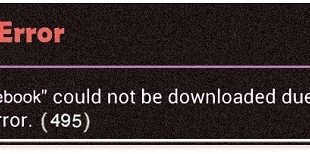
Problem downloading or updating apps from Google play store over Wi-Fi or mobile data network. When you are trying to downloading the same apps or games, this Google play store error 495 does not appear. You can see two types of error code 495 in your android device. First is …
Read More »