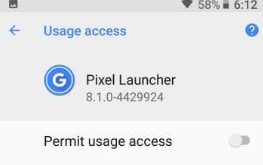
Here’s a complete guide to enable or disable apps with usage access permission Android Oreo devices. By default allow or turn on usage access permission on Android Oreo 8.1 & 8.0 and other devices. This usage access feature allows an app to track what other apps that you’re using on …
Read More »How to Enable USB Debugging on Samsung Galaxy S9/S9 Plus
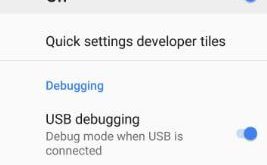
Want to enable USB debugging on S9 and S9 Plus? First of all, make sure to turn on hidden Samsung S9 developer options. This USB debugging section is useful to transfer data between your PC and your device. You can install apps on your galaxy S9 plus device without any …
Read More »How to enable developer mode on Galaxy S9 and Galaxy S9 Plus
Few weeks away to release Samsung latest flagship galaxy S9 and galaxy S9 Plus devices. Are you excitement to buy this new Samsung galaxy S9 & S9 Plus device? Most of all devices by default hidden developer options. In this tutorial, I will show you steps to enable developer mode …
Read More »How to Delete Google Voice Search History on Android Oreo
Want to delete Google voice search history Android Oreo 8, Nougat 7.1, and other devices? When enabling Ok Google in our android device, all your Google voice search history saved on voice & audio activity page. You can manage voice and audio activity on Android Oreo device using Google app …
Read More »How to Change the Home Screen on Samsung Galaxy Note 8
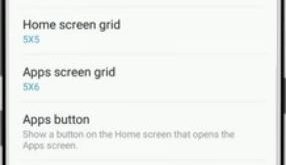
By default set Note 8 home screen settings. There are several settings available for Samsung Galaxy Note 8 home screen including home screen layout, home screen greed, apps screen grid, apps button, and hide apps settings. You can create an app folder on the home screen, add a widget to …
Read More »How to Activate and Use S Pen Settings on Galaxy Note 8
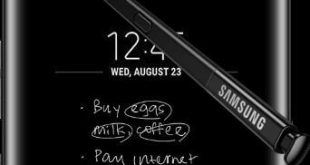
Galaxy Note 8 has several awesome features but one of my favorite and we discuss here is how to use S Pen on Note 8. Using this Note 8 S Pen feature, you can write text messages, draw pictures, make animated GIFs, and other entertainment. There are several S Pen …
Read More »