Android

Discover the latest tips, tricks, and guides for maximizing your Android experience. Stay updated with the best hacks and useful tips for your Android device.

How to Reduce Data Usage on Android 9 Pie
How to reduce data usage on Android 9 Pie

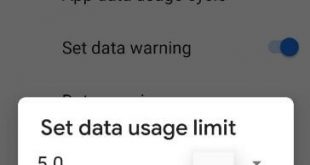
Want to set a data usage limit on Android 9 Pie? This limiting data usage Android 9 Pie will useful to data saving in your device. Let see how to reduce data usage on Android 9 Pie devices. If using mobile data, you’ll need to set data limit & data …

Read More »

How to Change Google Assistant Language on Android [2023]

How to Change the Language on Google Assistant Android Phone

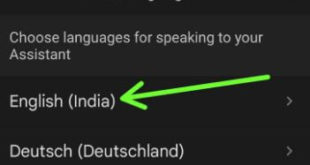
Do you want to change the language in Google Assistant on Android and Samsung Galaxy devices? Here’s how to change Google Assistant language on Android phones and tablets. By default, set English (Depending on your Country) as the Assistant language in your Android 13/Android 12/Android 11/Android 10 and Samsung Galaxy …

Read More »

How to enable smart reply in Android messages

How to enable smart reply in android messages

Here’s how to enable smart reply in android messages. This smart reply feature is useful to automatically show text suggestion when available in your android messages. You can find smart reply under message settings in your android Pie 9.0, android 8.1 Oreo and other devices. To show you suggestion, Smart …

Read More »

How to Use Overview Selection in Android 9 Pie

How to use overview selection in android Pie 9

By default turned on app actions and overview selection in your Android Pie 9.0 devices. Here’s how to use overview selection in Android 9 Pie. This feature is useful to select text from any screen/recent apps and copy & paste it to your device. Several users facing overview selection not …

Read More »

How to Block a Number In Android 9

How to block a number on android Pie 9

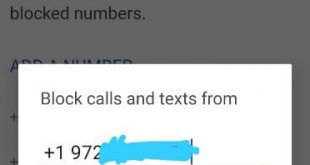
Want to block unknown numbers from texting and incoming calls on Android 9 Pie? Here’s how to block a private number on android 9 Pie devices. In the latest Android 10 devices, you need to toggle on the “unknown” under the phone app settings to block calls from unidentified callers. …

Read More »