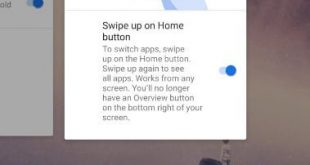
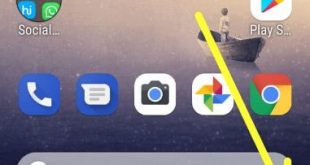
Want to hide navigation bar on Android 9.0 Pie? Here’s how to enable Android 9 Pie gesture navigation on Google Pixel and other devices. To use gesture navigation on Android 9.0 Pie, enable swipe up on home screen gestures on your phone. You can activate Android Pie’s gesture navigation under gestures …
Read More »How to Enable or Disable App Actions Android 9 Pie
By default enable app actions on Android Pie 9 devices. You can use app actions on Android Pie to see the most used phone calls or messages on the app drawers. So you’ll quickly use phone numbers or messages directly using this app drawer setting. If you don’t want to …
Read More »Android App Time Limit
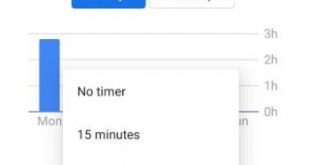
Spending too much time on social media or gaming apps? Android allows you to set app time limits to control daily usage and improve productivity. This feature is built into most Android phones through Digital Wellbeing. Here’s a complete guide on how to set a time limit on apps on …
Read More »How to Turn On and Use Wind Down Mode on Android 9 Pie
Want to enable and use wind down mode on your Android 9 Pie devices? If you can’t found Android Pie’s digital wellbeing feature on your phone setting, you can get android 9 Pie’s digital wellbeing beta on your devices using this. You can turn on wind down mode on Android …
Read More »How to Use Screen Time on Android 9 Pie
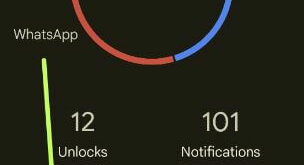
Here’s how to set app time limit and use screen time on android 9 Pie. This Android Pie screen time feature is useful to check how many times you spend on particular apps on your devices. Also, check how many notifications you received for a specific app, how many times …
Read More »How to Auto Rotate Home Screen in Android 9 Pie
By default disable home screen rotation in your Android Pie 9.0 devices. Here’s how to enable home screen rotation android 9 Pie devices. When your phone is rotated, your device home screens rotate. You can allow home screen rotation using home screen settings. Also, enable auto-rotate in android 9 Pie …
Read More »