Here’s how to change screen resolution on Samsung Galaxy Note 9. By default set screen resolution as FHD+ 2220×1080 pixels. You can change Note 9 screen size under display settings. Set galaxy Note 9 resolution as HD+ 1480×720, FHD+ 2220×1080, and WQHD+ 2960×1440. Not all apps supported all the screen …
Read More »How to Record Slow Motion Video on Galaxy Note 9
Here’s how to record slow-motion video on Galaxy Note 9. You can shoot super slow-motion video at 960 fps in 720p resolution on galaxy Note 9 like as Samsung Galaxy S9 device. Galaxy Note 9 has a dual 12MP camera with a 2x optical zoom. You can easily capture the …
Read More »How to Change the Language on Galaxy Note 9
Want to change default set language on Galaxy Note 9? By default set language as English (United States). You can change the language on Galaxy Note 9 under the language & input section. In Samsung Galaxy Note 9 language & input settings, you can change default phone language, keyboard language, …
Read More »How to get Fornite beta on android phone
Here’s how to get Fortnite Beta on android phone. This epic game Fortnite for android is battle royale shooter game. To install fortnite on android device, first of all sign up with your email id on this Fornite page. After sign up, you’ll wait for email invitation link to download …
Read More »How to Customize Active Edge on Pixel 3 and Pixel 3 XL
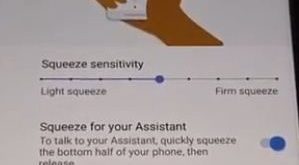
Here’s how to change the active edge squeeze settings on Pixel 3 and Pixel 3 XL. You can customize Active Edge on Pixel 3 XL under gesture settings. In Google Pixel active edge setting, you can see squeeze for your assistant, squeeze for silences and access assistant even the screen …
Read More »How to Use the S Pen on Galaxy Note 9 Camera
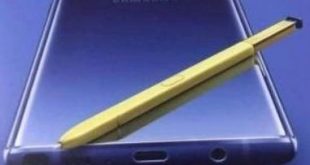
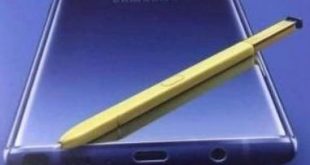
Here’s how to enable and use S Pen on Galaxy Note 9. This Samsung Note 9 S Pen stylus is useful to play or pause music, take a photo without touch your Note 9, open app, unlock your device remotely, create a note, and more. Also, use S Pen as …
Read More »