Tag Archives: How to

How to enable or disable notification bubbles in Android Q Beta 2
How to enable or disable notification bubbles in Android Q Beta 2
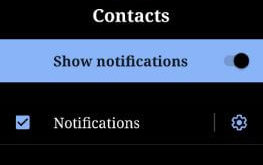
Recently launched Android Q Beta 2 update includes several changes such as notification bubbles, new iPhone X style gesture to quickly switch between apps, emulator for foldable screen, swipe action for notifications and more. But in this tutorial, I’ll show you complete process to enable or disable notification bubbles in …

Read More »

How to download movies from Netflix to SD card

How to download movies from Netflix to SD card Android

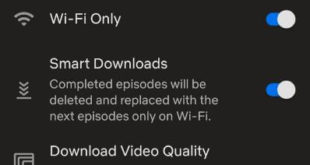
Want to store download Netflix content onto SD card or Mac or desktop PC? Here’s how to download movies from Netflix to SD card on android phone or tablet device. By default downloaded Netflix series or TV shows or movies stored in internal storage of your android or iPhone device. …

Read More »

How to Change the Keyboard on Galaxy S10 Plus and S10

How to change keyboard on Galaxy S10 Plus

By default Samsung keyboard set as galaxy S10 plus default keyboard. You can switch or change the default keyboards on Samsung Galaxy S10 plus using Language and input settings. In this tutorial, I’ll show you two methods to change the galaxy S10 plus keyboard and phone language. Also, change on-screen …

Read More »

How to Fix Samsung S10 Won’t Power On Issue

How to fix Galaxy S10 won't Power on

Here’s how to fix Galaxy S10 won’t power on or turn on after fully charging. Several reasons for Samsung S10 won’t turn on issues such as a faulted battery, damage port, physical damage, fall your device in water, etc. Galaxy S10 device is a new WirelessPowerShare feature that quickly wireless …

Read More »