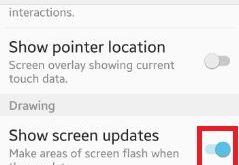
Enable show screen updates android lollipop (5.1.1) and marshmallow (android 6.0) device. You can make areas of screen flash when they update on your device. You can enable / disable show screen updates using drawing section under developer options on your smartphone. In drawing section, you can also see layout …
Read More »How to set default reminders android phone
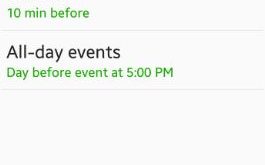
Have you ever set default reminders android phone? You can set reminders on your device using s planner settings on latest lollipop 5.1.1 and marshmallow 6.0 device. In default reminders, you can set events on time / 10 min / 20 min / 30 min / 1 hour before / …
Read More »How to Set Up Face Recognition on Samsung Galaxy Note 10 and Note 10 Plus
Do you want to unlock your Galaxy Note 10+ using face unlock lock screen? If yes, you need to set up and use face recognition on Samsung Note 10 plus and Note 10. Use your face as a password in your Note 10+ and Note 10. Lock screen security is …
Read More »How to Enable Security Notifications WhatsApp Android
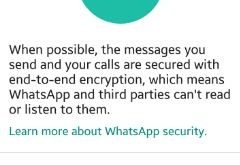
Here’s how to turn on or enable security notifications Whatsapp android phone. In WhatsApp end-to-end encryption which provides the security of chats between people or groups. WhatsApp and third parties can’t read or listen to chat of peoples. I will show you the process to receive notifications when a contact’s …
Read More »How to Change the Keyboard Language on Galaxy Note 10 plus
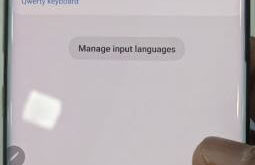
Want to change or switch keyboard language on Samsung Note 10+ and Note 10? Here’s How to change the keyboard language on Galaxy Note 10 plus and Note 10. All Samsung devices used Samsung’s keyboard as default. You can change the on-screen keyboard on Note 10+ using language and input …
Read More »How to change icon background android phone
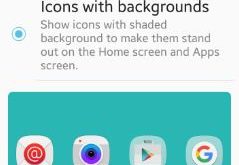
Do you want to change icon background android phone? You have two choices to change background of icons on your android device. One is “icons only” option means only icon change on your device and the other is “icons with backgrounds” means show icon with shaded background to make them …
Read More »