Do you want to delete apps on Android phones and tablets? In this tutorial, I’ll show you three ways to uninstall apps on Android 13, 12, 11, 10, and Android 9 devices. You can’t uninstall apps from Android that came with the phone, but you can disable apps (System Apps) …
Read More »How to Clear Call History on Android 9 Pie
Want to delete call history permanently from your mobile number? Here’s how to delete or clear call history on Android 9 Pie devices. You can clear the call log or delete recent call history on Android Pie. A call log is one type of call history app. You can easily …
Read More »How to Set Notification Sound in Android 9 Pie
By default set ringtone and notification sound in your Android 9 Pie and other devices. Here’s how to change notification sound in Android 9 Pie using sound settings. You can set custom notification tone or custom ringtone as a default notification sound using a third-party app or my files. Also, …
Read More »How to check system software update Android 9
Here’s how to check system software update android 9 Pie devices. In latest android 9 Pie version, you can manually check android version update and if available then android update download. In some of the previous versions android device, you can set schedule to automatically software updater if available. Before …
Read More »How to Enter Recovery Mode Android 9 Pie
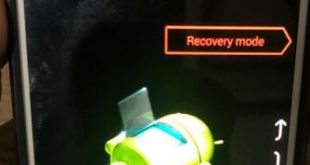
Want to boot Android 9 Pie into recovery mode? Here’s how to enter recovery mode Android 9 Pie devices such as Google Pixel, Pixel XL, Pixel 2, 2 XL, Pixel 3, Pixel 3 XL and other supported devices. In Android 9 recovery mode, you can see several options such as …
Read More »How to edit quick settings tiles on Android 9
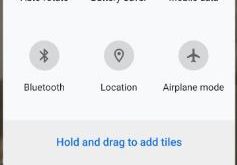
Want to customize quick settings panels on Android 9 Pie? You can add your daily routine use quick settings using this tutorial. To quickly access settings, we use notification panel from top of the screen. By default added 6 tiles on the android 9 Pie quick settings panel. Let see …
Read More »