how to

Discover helpful tips and step-by-step guides on various topics. Learn how to do things easily and efficiently with BestUsefulTips.

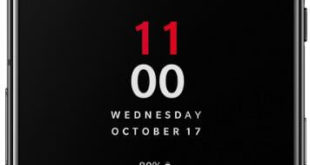
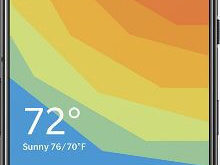
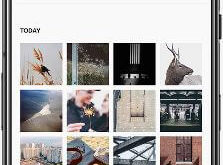
How to Use Shelf Widgets in OnePlus 6T

How to use Shelf widgets in OnePlus 6T

Just swipe left to right from the home screen in your OnePlus 6T to access Shelf. By default add widgets to shelf such as recent contacts, weather, recent apps, and more. You can add your favorite widget you want. Let see the complete process to enable and use Shelf widgets …

Read More »

How to change the OnePlus 6T default apps

How to change the OnePlus 6T default apps

By default set text message app, phone app, browser app, home app, calendar app and more in your OnePlus 6T and other android devices. You can change the OnePlus 6T default apps under apps & notification settings. Change default apps with your favorite apps in your OnePlus devices. You can …

Read More »

How to Change the Accent Color in OnePlus 6T

How to change accent color in OnePlus 6T

Here’s how to change the accent color in OnePlus 6T Oxygen OS. Changing the accent color will change the color in text, quick settings tiles icons, app shortcuts text, volume indicator, and more settings in your device. You’ll set your favorite color to look you’d like. Also, create your own …

Read More »

How to Take a Long Screenshot in OnePlus 6T

How to take a long screenshot in OnePlus 6T

Want to take a scrolling screenshot on OnePlus 6T Oxygen OS? We already discussed take a screenshot in the OnePlus 6T. But in this tutorial, I’ll show you how to take a long screenshot in OnePlus 6T.  You can easily take a scrolling screenshot from a web page, book, or …

Read More »

How to Use Quick Gestures in OnePlus 6T

How to use quick gestures in OnePlus 6T

Here’s how to enable and use quick gestures in OnePlus 6T Oxygen OS. Gestures are useful to quickly access apps or other features in your device such as take screenshot, mute call, wake up the screen, and more. You can see a list of OnePlus 6T quick gestures under buttons …

Read More »