Tag Archives: How to

How to Play YouTube Videos in Background on Android Phone

Play YouTube videos in background on Pixel phone

Using split-screen mode in your Google Pixel XL, you can watch YouTube videos and chat on WhatsApp or Facebook with your friends at the same time. Here’s how to play YouTube in the background on android devices without using multi-window mode. In the YouTube app on your android device stop …

Read More »

How to Set Up and Use Google Duo on Android

set up Google Duo on Pixel phone

How to set up Google Duo on Android devices. You can change Google Duo’s settings in your Pixel and other Android devices using this tutorial. Google Duo is a high-quality video calling apps for Android and iOS users. Using this video calling app, you can easily make video calls to …

Read More »

How to stop auto playing video in Google Chrome

stop auto playing video in Google Chrome

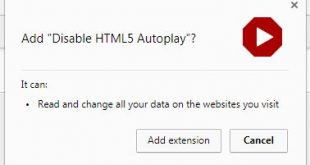
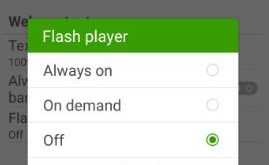
Annoying of auto play video on YouTube or display advertisement in chrome browser? To stop auto playing video in Google chrome, find the video add and pressing the cross button to stop it. Every time facing this issue whenever open new videos in your browser or android phone. Let see …

Read More »

How To Fix Sound Issue On Galaxy S7 Edge

fix Sound issue on galaxy S7 edge

Annoying by Samsung S7 Edge no sound during call received? This tutorial explains to you possible methods to fix Sound issue on Galaxy S7 Edge and S7 device. Different problems for sound issues such as Samsung S7 edge speaker not working, dropping a call, people can’t hear your voice, etc. …

Read More »

How To Factory Reset A Google Pixel and Pixel XL

Factory reset Google Pixel and Pixel XL phone

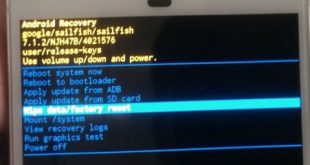
Irritate of Google Pixel and Pixel XL frozen or random reboots? Here are the two ways to perform a factory reset a Google Pixel and Pixel XL devices. Not any solutions fix this pixel issues. You can use recovery mode to hard reset on your Google Pixel and Pixel XL …

Read More »