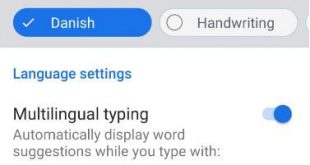
By default set Android 9 Pie keyboard languages and layouts. Google keyboard (Gboard) is set as the default keyboard. You can change the keyboard language on Android 9 Pie under languages & input settings. You can easily switch keyboard language and add or remove language from the keyboard in your …
Read More »How to Change the Font Size and Display Size On Android 9
By default set font size, display size, and font style android 9 Pie and other devices. You can change icon size on android 9 Pie using display settings. When you set big font size, it will make the text on a screen larger but not large items on your screen. …
Read More »How to manage app data usage on Android 9
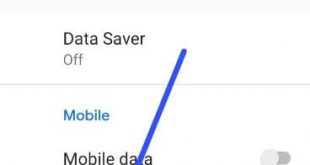
Here’s how to manage app data usage on Android 9 Pie devices such as Pixel 3, Pixel 3 XL, Google Pixel Pie and more. You can check app usage data on android Pie device under network & internet settings. In data usage app settings, you can see mobile data usage …
Read More »How to Uninstall/Delete Apps on Galaxy Note 9
By default several apps installed and we installed third-party apps in our Samsung Galaxy Note 9. Not all apps are useful for us. So here I’ll show you how to delete apps on galaxy Note 9. You can uninstall unwanted apps or disable apps on Note 9 if you want …
Read More »How to Fix Samsung Galaxy Note 9 Home Button Not Working
Annoying by side button not working on Galaxy Note 9? Here’s how to fix Galaxy Note 9 home button not working. We use home, recent, and back buttons on our Samsung devices. Several users facing problems when press home or recent buttons to take time to open apps or back …
Read More »How to hide content on lock screen Android 6
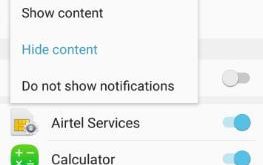
By default show all notifications on lock screen in android 6 Marshmallow or Nougat. You can hide content on lock screen Android 6 device using lock screen and security settings. Individually enable/disable apps notifications on lock screen in your android devices. When receive new notifications, you can see message notifications …
Read More »