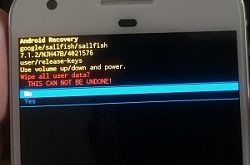
Clear system cache or wipe cache partition on Google Pixel and Pixel XL devices. If your Google pixel apps crash or freezing and won’t turn on after charging. And you have already tried all possible solutions but not fix this issue. Now it’s time to try to clear cache partition …
Read More »How to Enable USB Debugging on Google Pixel and Pixel XL
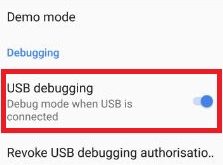
How to enable USB debugging on Google Pixel and Pixel XL phone. To use USB debugging on your Google Pixel phone, make sure to enable developer mode on Google Pixel & Pixel XL. You can find USB debugging under the debugging section in developer mode. It will copy data between …
Read More »How to Fix Google Pixel Keep Restarting Itself
Annoying of Google Pixel and Pixel XL keep restarting itself? Before few days, suddenly my Google Pixel keep restarting itself. This is the first time that happened so I am not worried. But after 2-3 days, my Google Pixel phone restarting again and again itself. It’s annoying me. So I …
Read More »How to Enable Developer Options in Google Pixel and Pixel XL
By default is hidden developer mode on Google Pixel and Pixel XL. Here’s how to disable or enable developer options in Google Pixel and Pixel XL. It includes various sections including Debugging, Networking, Input, Drawing, Hardware-accelerated rendering, media, Windows animation scale, background process, monitoring & apps, etc. Most of all …
Read More »How to Extend Battery Life on Google Pixel and Pixel XL
Annoying by battery drain issue on Pixel and Pixel XL devices? Check out below methods to extend battery life on Google Pixel and Pixel XL. To improve battery life on Google Pixel, you need to close all running apps, reduce screen timeout time, minimize screen brightness, enable dark mode, and …
Read More »How to Download YouTube Videos With Google Pixel to Watch Offline
If you love watching YouTube videos, this YouTube offline feature helps a lot to watch offline videos without an internet connection on your Google Pixel and Pixel XL. Here’s how to download and play YouTube videos offline on your Google Pixel and other devices. Your device needs a Wi-Fi or …
Read More »