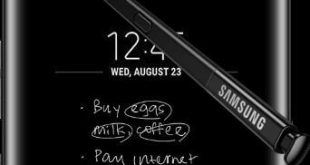
Galaxy Note 8 has several awesome features but one of my favorite and we discuss here is how to use S Pen on Note 8. Using this Note 8 S Pen feature, you can write text messages, draw pictures, make animated GIFs, and other entertainment. There are several S Pen …
Read More »How to Add Multiple Photos to WhatsApp Status on Android
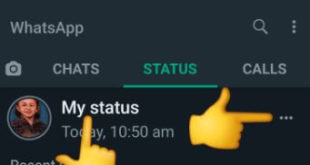
Do you want to put or add multiple pictures on WhatsApp status on your Android device? Here’s how to add multiple photos to WhatsApp status on Android devices. You’ll add multiple WhatsApp statuses to choose different pictures & videos from your phone gallery. Also, add GIF to WhatsApp status on …
Read More »How to See Someone’s WhatsApp Status Without Them Knowing on Android Phone
Want to see WhatsApp story & status without letting them know on Android phones? Here’s a complete process to watch someone’s WhatsApp status without them knowing on Android phones. When someone updates status or story on WhatsApp, you can view it in your Android device. To see someone’s WhatsApp status …
Read More »Fix Galaxy Note 8 Full Screen Apps Issue
Full-screen apps feature is useful to open apps in full screen in your Galaxy Note 8, Galaxy S8 and S8 plus. You’ll easily view full-screen apps on galaxy Note 8 using display settings. Not all apps supported this feature. Several users facing the issue of Samsung Galaxy note 8 full-screen …
Read More »How to Change the Keyboard Language on Galaxy Note 8
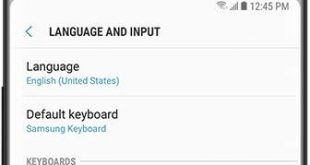
Here’s how to add a different language to the keyboard on Samsung Galaxy Note 8. You can change the keyboard language on Galaxy Note 8 and keyboard settings using language & input settings. Add or remove keyboard language on your Samsung Note 8. By default Samsung keyboard set in your …
Read More »Samsung Galaxy Note 8 Forgot Password or Pattern Lock
Sometimes users forgot password or pattern lock on Galaxy Note 8, Galaxy S8 and other devices. Have you been ever facing the issue of forgotten password on Note 8/Note 9/Galaxy S8? We use Fingerprint, Pattern lock, Password, Pin and other security options to lock our Samsung Note 8 and other …
Read More »