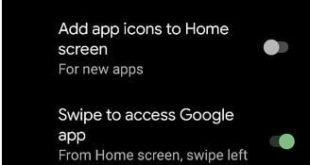
Want to personalize or change home screen in Pixel 4a running stock Android 11? Here’s how to customize home screen in Google Pixel 4a 5G. Pixel 4a home settings include notification dots, at a glance, add app icons to the home screen, access Google app, suggestion on home screen, and …
Read More »How to Change Lock Screen Notifications Pixel 4a
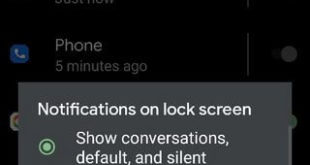
By default show notifications on the lock screen in your Pixel 4a 5G, Pixel 5, and other Pixel devices. You can change lock screen notifications on Google Pixel 4a using lock screen settings. Also, individually show or hide notification on the lock screen for certain apps in your latest Android …
Read More »How to Change Pixel 4a Default Apps
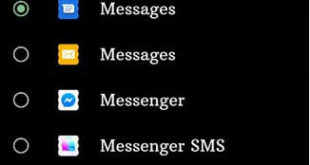
Want to change open with default Pixel 4a (5G)? Here’s how to change Pixel 4a default apps. By default set the messaging (SMS) app, Home app (Pixel launcher), Digital Assistant app (Google), Caller ID & Spam app, Phone app, and Browser app. You can set a default app or third …
Read More »How to Change Wallpaper on Pixel 4a
Here’s how to change the wallpaper on Pixel 4a lock screen and home screen background. By default set wallpaper in your Pixel 4a 5G devices. Google Pixel 4a adds new Eclipse live wallpaper. Here any Android or Samsung users download or get this live wallpaper. You can choose a photo …
Read More »How to Turn On and Turn Off Now Playing on Google Pixel 4a
By default turned off now playing Pixel 4a. 2 ways are available to turn on now playing on Pixel 4a 5G. You can use now playing Pixel 4a to automatically identify playing songs near you. Also, see the song and artist name on now playing history and status bar. You …
Read More »How to Enable Battery Percentage in Status Bar on Pixel 4a
You can show or enable battery percentage in the status bar on Google Pixel 4a using battery settings. You can easily show the battery percentage Pixel 4a using battery settings. A battery percentage is hidden by default in all Pixel devices. It will use to check the battery percentage remaining …
Read More »