Last Updated on August 12, 2025 by Bestusefultips
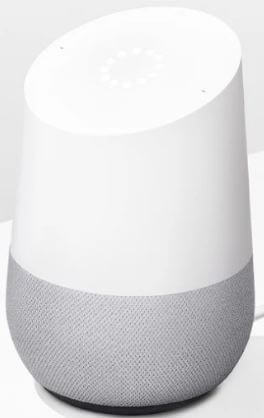
The one and only Google gives all the things in the form of a virtual assistant cum your daily task manager, Google Home is gaining traction in the electronics market. Here’s how to change Google Home Voice in 2025. Google Home brings simplicity to your life with its multifunctional capabilities as a speaker, task manager, and calling device, and you can also connect it to a Bluetooth speaker. All you need to know about Google Home speaker change voice.
Google Assistant primarily runs on your voice, so all you need to know is how to change Google Home’s voice. You are allowed to change the sound of your Google Assistant. This change to your voice setting will apply to all your Google Assistant devices, but this feature is only available in the US.
Read More:
- How to Send a Text Message with Google Home
- How to Connect an Android Phone to Bluetooth Speakers
- How to Turn On Guest Mode on Google Home
How to Change Voice on Google Home in 2025
Step 1:
Make sure that your mobile device, tablet, and Google Home device are connected to the same wifi network for starting the process of voice changing in Google Assistant.
Step 2:
Now, go to the Google Home app and, on the home screen, look at the bottom right corner. Tap on the account to change the Google Home voice.
Step 3:
Now, you need to verify that the Google account listed is the same one linked to your Google Home. To switch your account, click the triangle shape, located next to your account name and email address.
Step 4:
If your device is an Android device, tap on Settings. If it is not an Android device, tap More Settings.
Step 5:
Now, to change the Google Home voice tap assistant tab, select the assistant voice, and then choose a voice. The coloured circles are for a preview of available voices. You can get all the available voices in that and preview, but if you don’t choose anyone from that tap on the back arrow at the top of your screen to save your preferences.
You have an option of 10 voices, you can pick anyone from that example, one of them is a British accent, and another is an Australian intonation voice. So read carefully and choose the proper voice according to your requirements.
We hope that you understood the whole process of how to change Google Home voice by our guided step, now use your best Google Home with more simplicity by the best helpful tips.