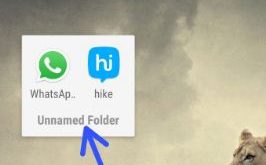
Do you have any trick about arrange apps on Pixel 2 & Pixel 2 XL? You can’t organize app drawer in default launcher in your Pixel devices. You’ll create app folders on the Pixel 2 home screen but not in the app drawer. In-home screen settings, you can use Pixel …
Read More »How to Use Pixel 2 at a Glance Widget
Want to change or add Google at a glance widget on your Android home screen? Pixel 2 at a glance widget is useful to display created events on the home screen in your devices. First time see At a glance widget under home screen settings in the Android Oreo 8.1 …
Read More »How to Enable WiFi Calling on Pixel 2 XL and Pixel 2
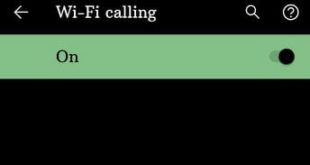
Want to make calls over Wi-Fi on Google Pixel 2 XL? Here’s how to disable or enable WiFi calling on Pixel 2 XL. Not all carriers supported calls over Wi-Fi. First of all turn on this feature in your device settings and after that, you can make calls over Wi-Fi …
Read More »How to Get Pixel 2 Live Wallpapers on Any Android Phone
Recently launched Google Pixel 2 live wallpapers for different categories such as real Google earth, waves on the beach, 3D Mountain View, moon’s face, Geometric shapes, underwater, Landscape, Cityscapes, textures, solid colors, and more. If you have a non-Pixel device, you can also get Pixel 2 live wallpapers on any …
Read More »How to Clear Default Apps on Google Pixel Devices
By default set default apps in your Google Pixel, Pixel 2, Pixel 2 XL, Pixel 3, 3 XL, Pixel 3a, 3a XL, Pixel 4, 4 XL, and other latest Android devices. If you have changed the system default app and want to set back the default app settings again, you …
Read More »How to Enable Pixel 2’s Visual Core
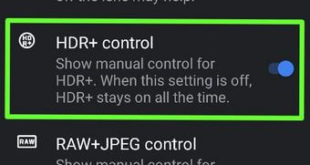
You can improve camera quality to enable Pixel visual core for HDR+ in Google Pixel 2 and Pixel 2 XL devices. Pixel visual core is one type of image processing unit for enhanced camera quality. If you have the latest updated stock Android OS, you can find the HDR+ control …
Read More »