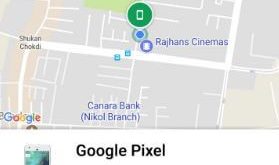
Have you lost your Google Pixel/Pixel 2 devices? Here’s the trick to find lost Pixel 2 and Pixel 2 XL. You can find stolen Pixel 2/2 XL or track a Pixel 2 devices using find my device app or Android device manager and other third party GPS tracker apps. But …
Read More »How to Use AR Stickers on Pixel 2, Pixel 2 XL and Google Pixel
Google has finally launched Augmented Reality (AR) stickers that supported its Google ARCore. Let see how to get and use AR stickers on Pixel 2 and Google Pixel. This star war AR sticker is favorite for kids and you can add to photos and videos before you take them. It …
Read More »How to Improve Battery Life on Google Pixel 2 and 2 XL
Annoying by the Pixel 2 and Pixel 2 XL battery draining so fast issue? Here’s how to improve battery life on Google Pixel 2 and Pixel 2 XL. There are several reasons that drain Pixel 2 battery life like background running apps, live wallpaper, disable/uninstalls unnecessary apps, screen time-out time, …
Read More »How to Set Lock Screen Message on Pixel 2 and Pixel 2 XL
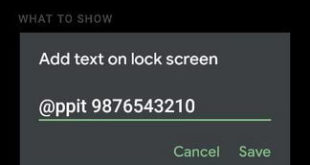
Here’s how to set lock screen message on Pixel 2 and Pixel 2 XL devices. You’ll put text message or phone number on the lock screen in Pixel 2 XL and other Pixels. Whatever text you enter on lock screen message will be shown on lock screen in your device. …
Read More »How to Reset Pixel 2 XL and Pixel 2
Several Pixel 2 XL users reported issues of display, screen burn-in, Blue tint, fatal camera error, connectivity issues, touch screen not working, hardware issue, etc. To fix Google Pixel 2 XL problems, boot Pixel 2 XL into safe mode or hard reset Pixel 2 XL device. Also, reported Pixel 2 …
Read More »How to Turn Off Ambient Display on Pixel 2 XL and Pixel 2
By default enabled ambient display (Always-on display) on Pixel 2 and Pixel 2 XL devices. Pixel 2 Ambient display feature is helpful to wake up your phone screen when getting any notifications in your device. You’ll see time and notifications on the Pixel 2 lock screen. Let see how to …
Read More »