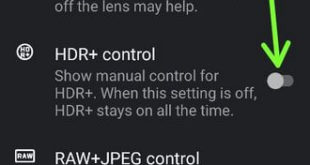
Here’s how to enable HDR+ on Pixel 2 camera settings. This Google Pixel 2 and Pixel 2 XL HDR+ technology (Pixel visual core) take marvelous photos with great effect. By default disable HDR+ switch in your device. You’ll manually turn on HDR+ control on Pixel 2 using camera settings. Camera …
Read More »How to Change the Theme on Google Pixel 2 and 2 XL
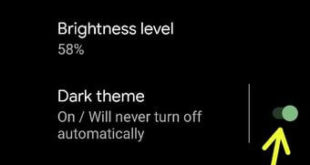
Here’s how to change the theme on Google Pixel 2 and Pixel 2 XL. You can enable dark theme on Pixel 2 XL & Pixel 2 (Stock Android 11) to swipe down the notification panel at the top and tap dark theme. Also, set a schedule to automatically turn on …
Read More »How to change notification sounds on Pixel 2 and Pixel 2 XL
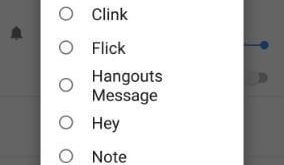
Change ringtone and notification sounds on Pixel 2 and Pixel 2 XL devices. By default set notification tone in your Pixel 2 Oreo 8.0 devices. You will individually change settings for apps or for set whole device ringtone. One of the advantages of this android Oreo 8.0 OS is, you …
Read More »How to Enable Do Not Disturb Driving Mode on Pixel 2 XL
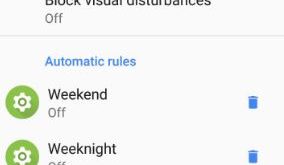
You can see Do not disturb driving mode which is helpful to stop all notifications in your Pixel 2 & 2 XL. Here’s how to enable Do not disturb driving mode on Pixel 2 XL using sound settings. Sometimes due to reading notifications or other phone activity while driving, people …
Read More »How to Boot Into Pixel 2 in Recovery Mode
Here’s how to enter Google Pixel 2 and Pixel 2 XL into recovery mode using hardware key or ADB in your PC. You can easily boot into Pixel 2 in Recovery mode. We use recovery mode when your Pixel 2 device is not responding or won’t turn on after charging …
Read More »How to Turn On Safe Mode in Pixel 2 XL and Pixel 2
Want to boot or start Pixel 2 XL in safe mode? Here’s how to turn on and turn off safe mode in Pixel 2 and Pixel 2 XL. Safe mode is useful to find third party apps that causing issues in your Android or Samsung Galaxy devices. When enabling safe …
Read More »