Capturing what’s on your screen can be incredibly useful, whether you’re saving an important message, a high score in a game, or an interesting article. Your Vivo T4 Pro, T4R, T4 Ultra, and T4X offer several easy ways to take screenshots. Check out the methods below to take a screenshot …
Read More »How to Customize Your Lock Screen on Vivo T4 Pro, T4R, T4 Ultra, T4X
Your phone’s lock screen is the first thing you see every time you pick up your device. It’s not just a security barrier; it’s also a canvas for personalization, allowing you to display important information and express your style. Vivo’s Funtouch OS on the T4 Pro, T4R, T4 Ultra, and …
Read More »How to Customize Always On Display on Your Vivo T4 Pro, T4R, T4 Ultra, T4X
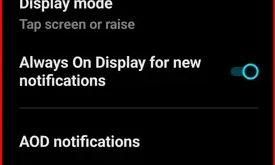
Always On Display (AOD) is a fantastic feature that allows you to view important information, such as the time, date, battery status, and notifications, at a glance without needing to wake up your phone fully. Vivo’s T4 series, comprising the T4 Pro, T4R, T4 Ultra, and T4X, offers various customization …
Read More »How to Power Off Vivo T4 Pro, T4R, T4 Ultra, T4X
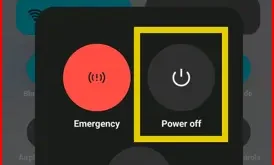
Turning off or powering off your Vivo smartphone is a straightforward process, although the procedure may vary slightly depending on your Vivo device’s software version. Here’s a quick guide to help you turn off your Vivo T4 Pro, T4R, T4 Ultra, T4X, or other latest Funtouch OS 15 version. Refer …
Read More »How to Restart Your Vivo T4 Pro, T4R, and T4 Ultra
Restarting your Vivo phone is essential for troubleshooting minor glitches, improving performance, and freeing up memory, which in turn increases your phone’s speed. Here’s how to restart your Vivo T4 Pro, T4R, and T4 Ultra, and other Funtouch OS 15 versions. Apply the methods given below to restart the Vivo …
Read More »